Meet the iBanFirst Claude MCP for Excel
The AI era of international finance starts here. The iBanFirst Claude MCP for Excel brings together your iBanFirst financial data, the intelligence of Claude and your favourite spreadsheet in a single workflow.


Your spreadsheets just got a lot smarter

Keep working in Excel

Reduce manual work

Get answers instantly
AI that fits the way finance teams work
The iBanFirst Claude MCP for Excel unlocks new ways to work with your iBanFirst data—reducing busywork, accelerating execution and enabling faster decision-making.
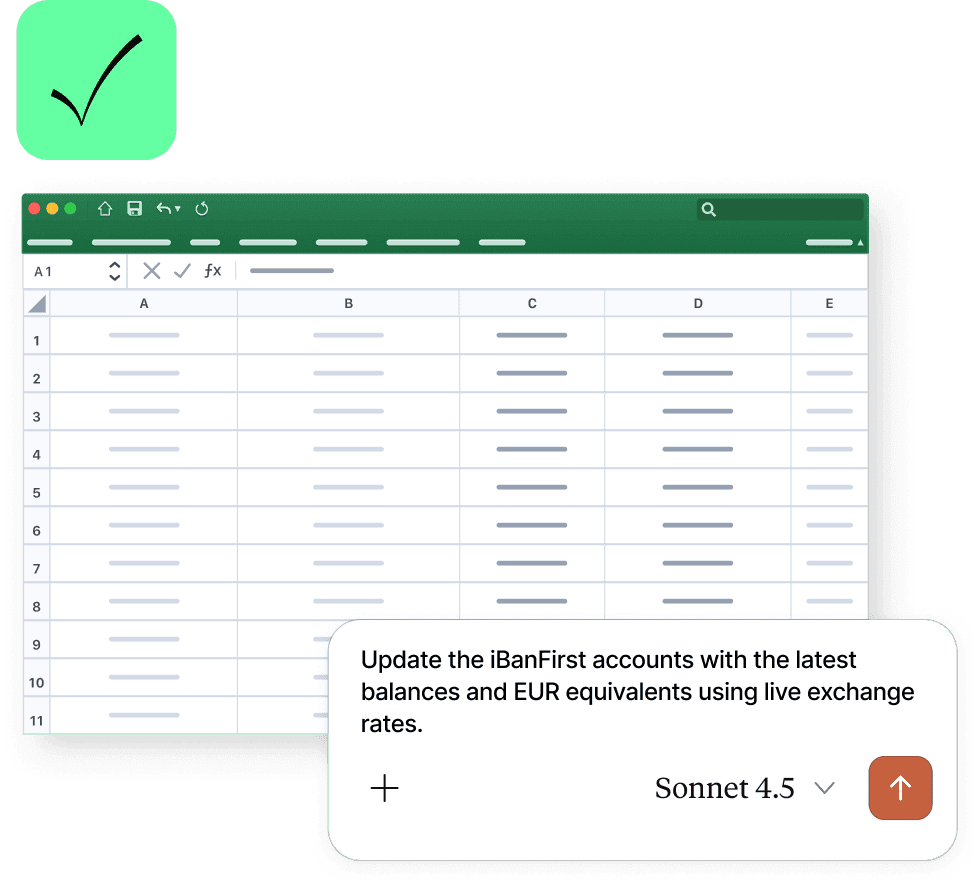
Refresh your treasury workbook
Your treasury workbook should always reflect your latest financial position—not yesterday's export. Ask Claude to update balances, account information or recent payment activity directly from your iBanFirst account. Your existing workbook is refreshed with the latest data, without the need to export files or manually copy information into Excel.
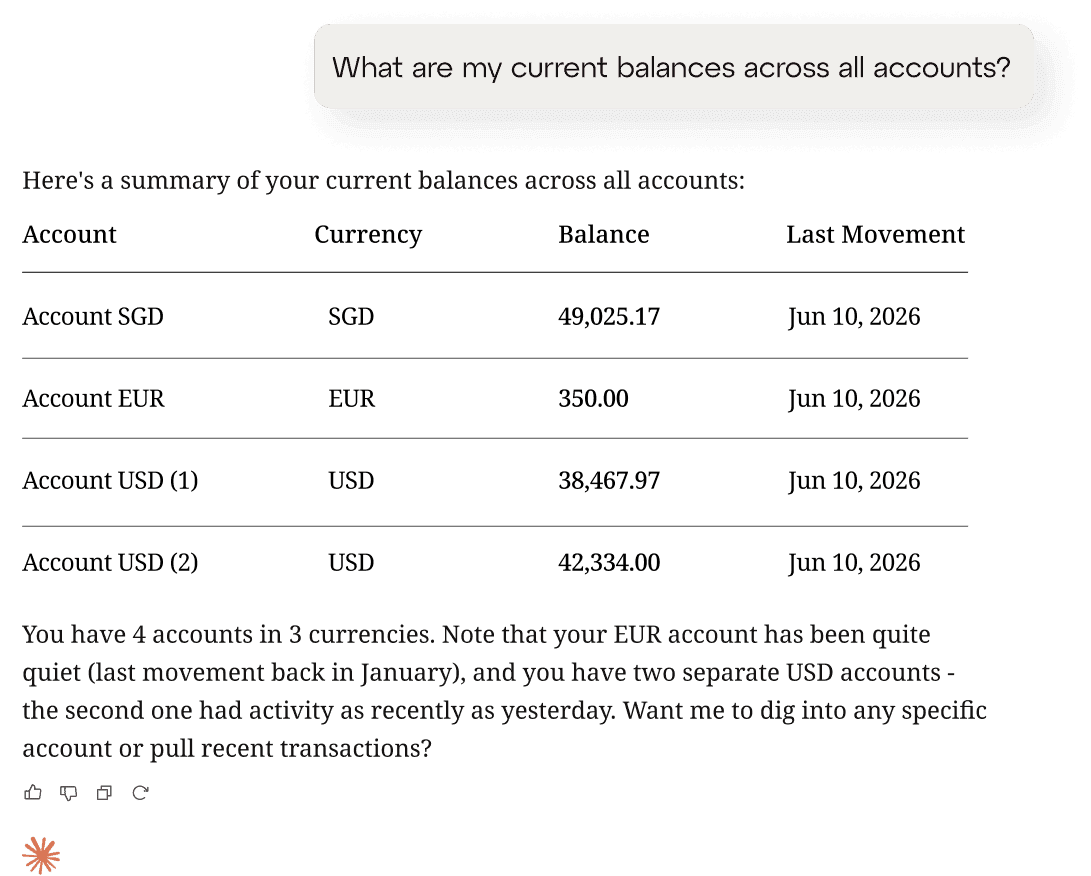
Ask. Don't search
Need to check how much cash you currently hold in USD? Looking for a payment made to a specific supplier or want to retrieve the details of an FX trade? Instead of applying filters or searching through transaction exports, simply ask Claude. It retrieves the relevant information from your iBanFirst account and gives you the answer in seconds.
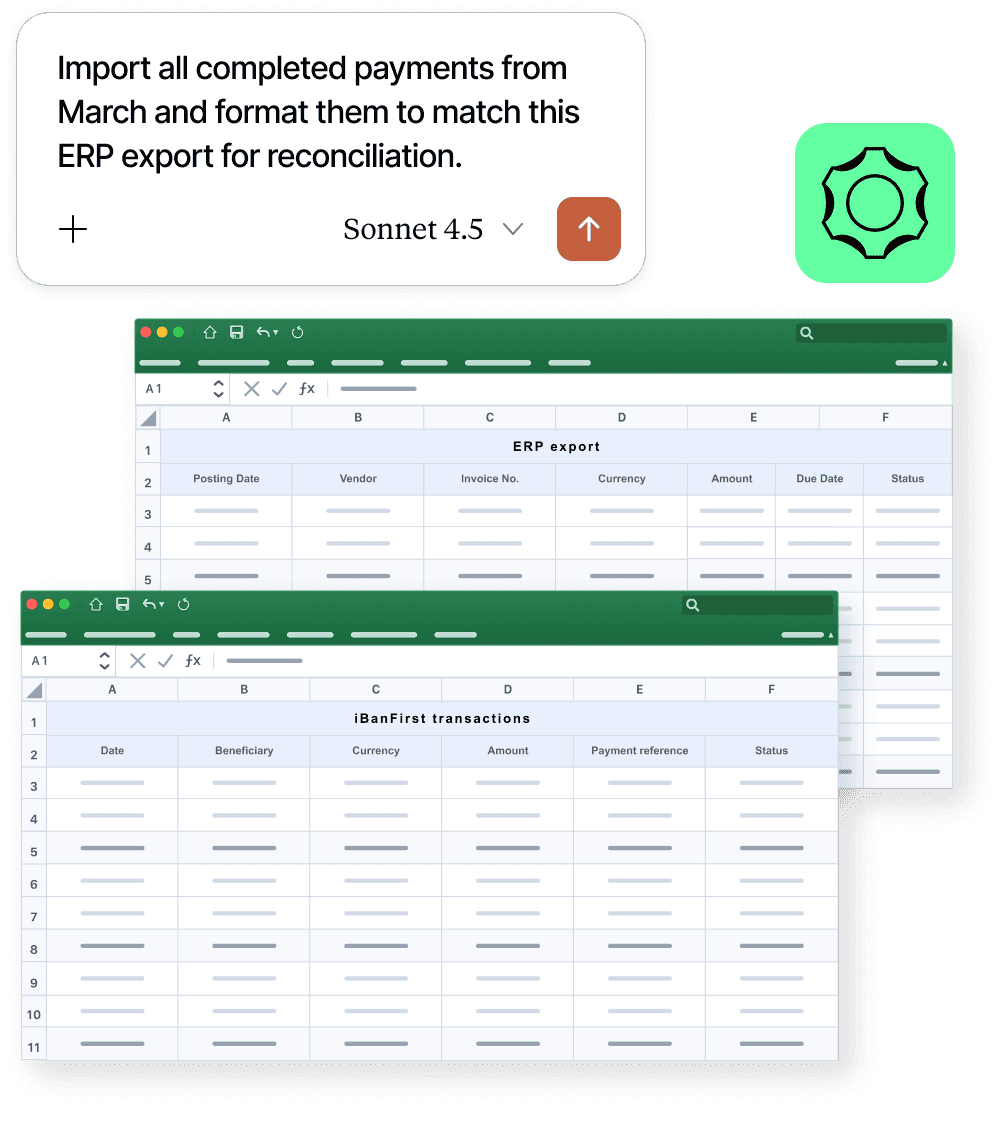
Build reconciliation-ready datasets
Preparing for reconciliation often starts with exporting transactions and reformatting them before any real work can begin. Claude can retrieve payment history based on the criteria you specify, organise it into structured tables, rename columns, calculate totals and prepare the dataset in the format your team needs—ready for reconciliation, accounting or reporting.
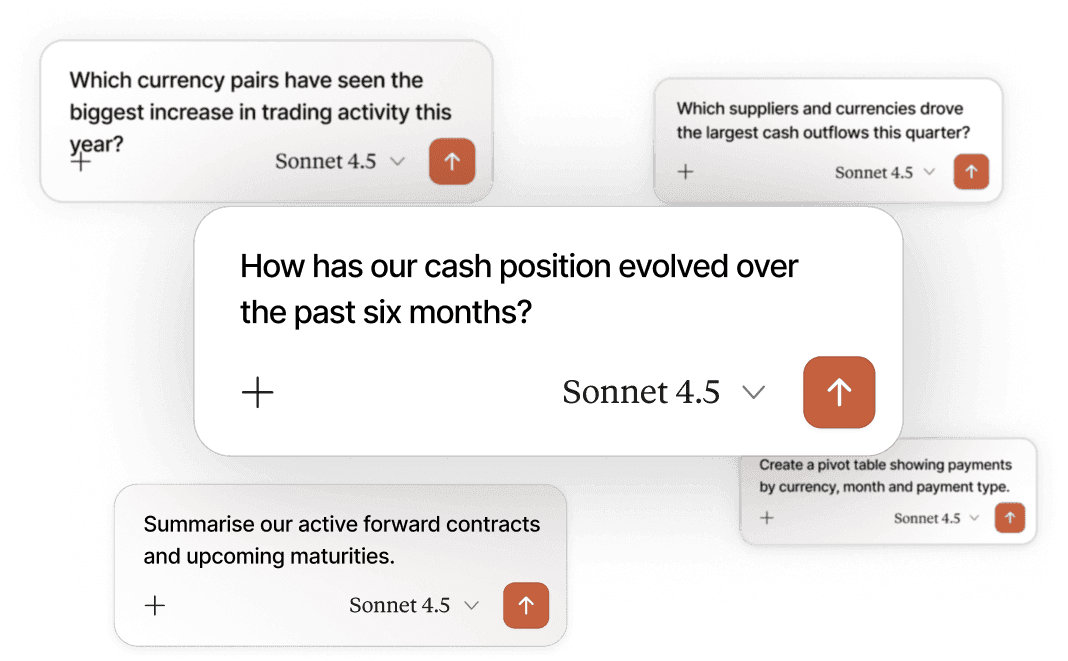
Turn raw data into meaningful analysis, faster
Getting the data is only the beginning. Ask Claude to compare payment activity across periods, analyse cash positions by currency, create pivot tables or generate a management-ready summary. What once required multiple exports, formulas and manual analysis can now start with a simple prompt, helping you move from data to decisions much faster.
A partner you can trust
Secure and reliable above all
Frequently asked questions
What can I do with the iBanFirst Claude MCP for Excel?
Can Claude perform transactions or make changes to my iBanFirst account?
Which iBanFirst data can Claude access?
Is my financial data secure?
Get started today



© iBanFirst.com 2026
Developed by

iBanFirst S.A. is duly authorised and regulated by the National Bank of Belgium (under company number 0849.872.824) as a payment institution. Our registered address is at Avenue Louise 489, 1050 Brussels, Belgium. The products and services that iBanFirst S.A. offers are limited to unregulated spot FX transactions and deliverable forward payment contracts (forward payment, flexible forward payment and dynamic forward payment) excluded from MiFID and EMIR regulation, as they are intended to cover an underlying future payment for identifiable goods and services. iBanFirst S.A. does not offer options or any other financial instruments for investment or speculative purposes.